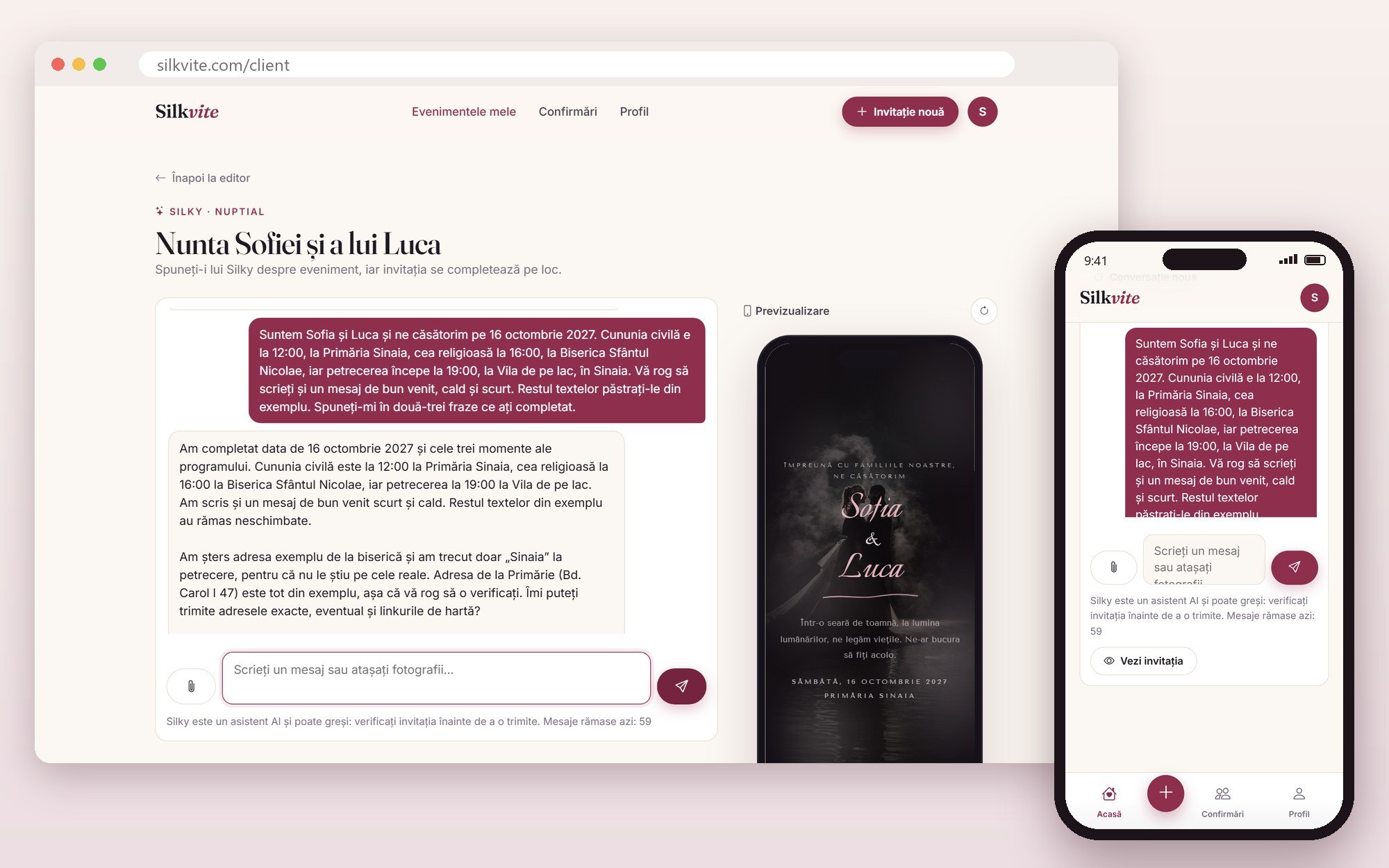
The Silkvite app for Android: your whole wedding on your phone
Replies come in when you are away from your computer. With the Silkvite app for Android you see them right away, send the invitation from your phone and keep the tables and the budget at hand.
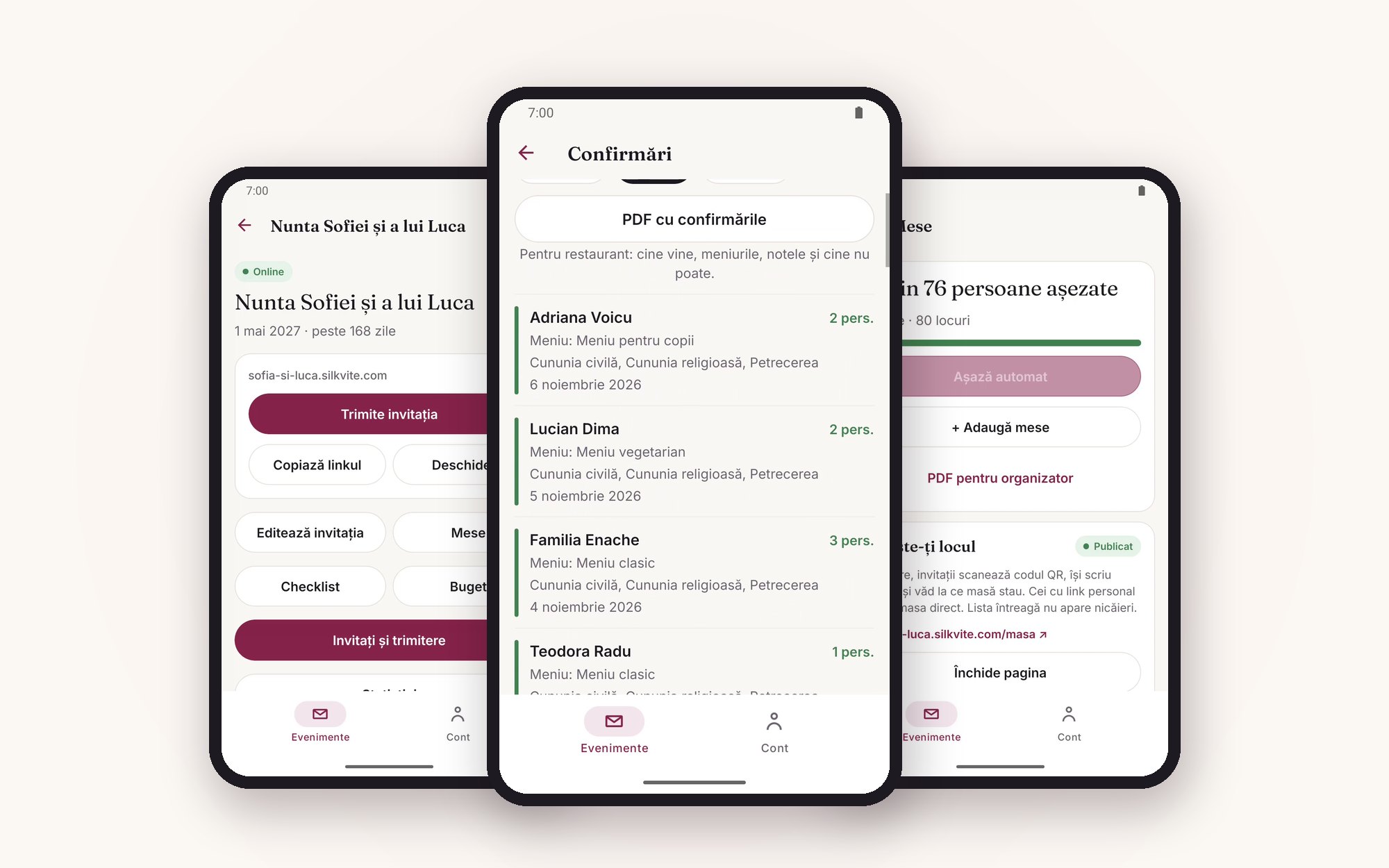
An online invitation is sent from a phone, and the replies are read on a phone too. So we made an app: Silkvite for Android, free on Google Play, with the same account as on the website.
What is in the app
- Your events: the invitation, the date and how many replies you have, at a glance.
- Replies, right away: who is coming, with how many people, which menu they chose and what they wrote to you. You can filter only those coming or only those who can't.
- Guests and sending: pick them straight from your phone contacts and send the invitation on WhatsApp or SMS, each with their own link. You see who opened it and who hasn't replied yet.
- Tables: automatic seating, how many seats are left and the list for the venue.
- Budget and checklist: expenses with deposits and the payments coming up, plus your to-dos, month by month.
- Guests' photos: the album gathered through the QR code on the tables.
An alert with every reply
When a guest replies, your phone tells you: who answered and with how many people. No need to open the website to check whether anyone else has replied.
Your contacts stay yours
When you add guests from your address book, only the names, phone numbers and emails of the people you tick go into the invitation's list. The rest of your contacts stay on the phone.
The same account, on the website and in the app
You sign in with your silkvite.com email and password. What you change in the app shows on your computer too, and the other way round. You can start the invitation on your laptop, on the big screen, and follow it on your phone afterwards.
What stays on the website
Silky, the AI assistant that writes your texts, works only on the website for now. From the app, open it in your browser on silkvite.com, in the invitation editor.
Where to find it
Search for "Silkvite" on Google Play or go straight here: Silkvite on Google Play. The iPhone version comes later.
FAQ
Does the app cost anything?
No, the app is free. You only pay for the invitation, once, when you publish it, just like on the website.
Is there an iPhone app?
For now it is only on Android. On an iPhone you can use silkvite.com in the browser, with every feature.
I made the invitation on the website. Will I see it in the app?
Yes. Sign in with the same account and you find all your events, replies and lists from the website.
Can I pay for the invitation in the app?
Yes, through Google Play. The price is the one shown in the store.